Asset library
Hundreds of models, PBR textures and HDRI skies under a verified open licence, optimised for the browser and placed in your world in one click.
The library holds 748 assets: 674 3D models, 46 PBR texture sets and 28 HDRI skies. Each has a verified licence, a credited author and a file optimised for the browser.
Browsing the library
The explorer
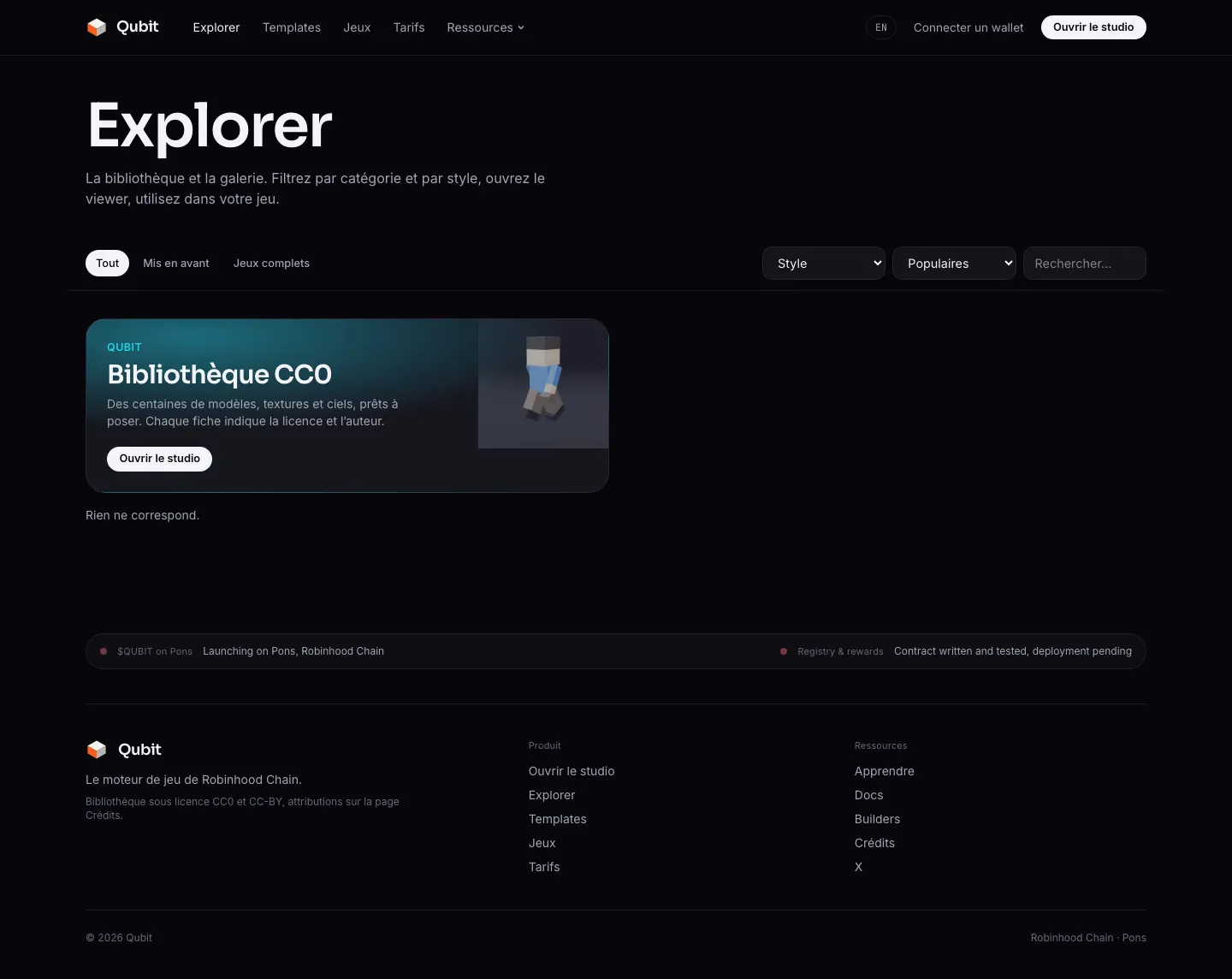
The /explorer page shows the whole catalogue: filters by category (plus “featured” and “games”), by style, search on name, tags and author, sort by popularity, newest or name. Cards load 48 at a time and play a turntable preview on hover.
The 3D viewer
Each asset has its page /asset/<id> (for example /asset/qt-t-rex): a real-time viewer with HDRI environments, wireframe, normals and textured views, then the card (category, style, author, licence, source, polygons, size, animations), the attribution line when required, and two buttons: Use in my game and Download.
Using an asset in a game
Open the library
On the Build step, or in the asset editor. ⌘K searches it from anywhere in the studio, and the Cast step has its own browser, limited to animated characters and creatures. Filter by category or style, or type a keyword.Click a thumbnail
The asset is added to the project and selected for placing. Ananimbadge marks models that carry animations. Clicking an asset already in the project reselects it without duplicating it.Click the ground
With the Place tool, each click drops an entity with the chosen role. With Scatter, drag to sprinkle the asset as props (vegetation, rocks).
By click, not drag and drop
/studio?asset=<id>).A library asset is referenced by URL: nothing is copied into your document, which stays light. The model.libraryId field keeps the link to the catalogue.
{
  "id": "a_x81k",
  "name": "T-Rex",
  "kind": "model",
  "model": {
    "format": "glb",
    "url": "https://…/library/qt-t-rex/model.glb",
    "libraryId": "qt-t-rex",
    "animations": ["Armature|TRex_Idle", "Armature|TRex_Walk", "Armature|TRex_Run", "…"],
    "height": 4.2
  }
}Textures and skies
PBR texture sets (colour, normal, roughness) apply to primitives from the primitive editor’s material panel. HDRI skies are picked on the Map step, Camera & atmosphere section: they serve as both the sky and the environment lighting.
Materials and textures · Sky, time and weather
The catalogue in numbers
By category
| Category | Assets |
|---|---|
| Props | 186 |
| Nature | 89 |
| Furniture | 76 |
| Architecture | 75 |
| Creatures | 74 |
| Weapons | 66 |
| Vehicles | 64 |
| Textures | 46 |
| Characters | 44 |
| HDRI skies | 28 |
By style
| Style | Assets |
|---|---|
| Low poly | 277 |
| Realistic | 273 |
| Stylized | 135 |
| Cartoon | 63 |
116 models can be animated (skinned meshes or node-animated characters) and 116 contain at least one animation. Characters from the same pack share their skeleton, which lets you borrow their clips.
Sources and licences
| Source | Licence | Assets | Contents |
|---|---|---|---|
| Poly Haven | CC0 | 247 | Realistic models (furniture, props, tools, food, nature, architecture), HDRI skies and PBR textures. |
| Quaternius (Poly Pizza) | CC0 | 192 | Stylised models: dinosaurs, dragons, monsters, animals, characters, mechs, spaceships, cars. Only pages marked CC0 are imported. |
| Kenney | CC0 / MIT | 160 | Low poly: vehicles, animated characters, nature, castle, city, furniture, food, blasters. MIT for the Starter Kits. |
| KayKit | CC0 | 122 | Stylised: rigged characters with their animation library (knight, barbarian, mage, rogues, skeletons), dungeon, city, space base. |
| Khronos glTF Sample Assets | CC0 / CC-BY 4.0 | 27 | glTF showcase models (Fox, ToyCar, Lantern, FlightHelmet…), licence read from each model’s metadata. |
| Licence | Assets | What it means |
|---|---|---|
| CC0 | 729 | Public domain: free use, commercial included, no attribution. |
| CC-BY | 14 | Free use with attribution to the author. The attribution line is provided. |
| MIT | 5 | Free use while keeping the licence notice. |
Attribution
attributionRequired: true and a ready-made attribution line, shown on their page. The Credits page lists every author and licence. If you reuse these files outside Sandbox, carry the attribution over.Only CC0, CC-BY and MIT licences are published: no clear licence, no asset. Sketchfab, Fab and Mixamo are excluded (mixed licences or no redistribution), as are models marked CC-BY 3.0 or non-free in the sources we use.
How the files are prepared
Every model goes through an optimisation pipeline before reaching the library, so it loads fast and shows at the right size:
| Step | Detail |
|---|---|
| Clean-up | One GLB, deduplication, pruning, vertex welding. |
| Simplification | About 80,000 triangles at most for large models (never on skinned meshes). |
| Textures | At most 1024², encoded as WebP; quantised static meshes. |
| Size | Retried at 512² and 40,000 triangles above 5 MB; hard cap at 12 MB. |
| Normalisation | Y up, pivot at bottom centre, units in metres; characters scaled to about 1.6 to 1.85 m. |
| Previews | 512² WebP thumbnail and WebM turntable, rendered by the engine itself. |
Asset entry
The catalogue is a versioned JSON manifest, served by GET /api/library. Each entry looks like this:
idstringrequiredcategoryLibraryCategoryrequiredstyleLibraryStylerequiredlicense'CC0' | 'CC-BY' | 'MIT' | …requiredattributionRequiredbooleanrequiredurlstringrequiredthumbstringrequiredturntablestringriggedbooleanrequiredanimationsstring[]requiredheightnumberrequiredmapsRecord<string, string>